Annual report
Open PDF2023 Annual Report
Summary of the inaugural year, tournaments, sponsorships, community activity, partnerships and future outlook.
Follow tournament news, community articles, player guides and public documents from Lifeline Nexo Gaming.
Summary of the inaugural year, tournaments, sponsorships, community activity, partnerships and future outlook.
These pieces give players, sponsors and visitors a quick way to understand the current Lifeline Nexo Gaming direction.
Four drafted trios entered the Lifeline Nexo Draft Gauntlet for a round-robin stage followed by a demanding elimination path. Every squad contributed memorable games, close scorelines and standout individual performances.
Team Masterz_JH began the Gauntlet run by defeating Team Trexy, then advanced to meet Team K-otic. Team K-otic survived that challenge and reached the championship series against Team Dr Chikala.
The final required all three games. Team K-otic secured the championship 2-1, with the deciding game running to the time limit and ending 39-30. Dr Chikala was named tournament MVP for the strongest average performance across the full competition.
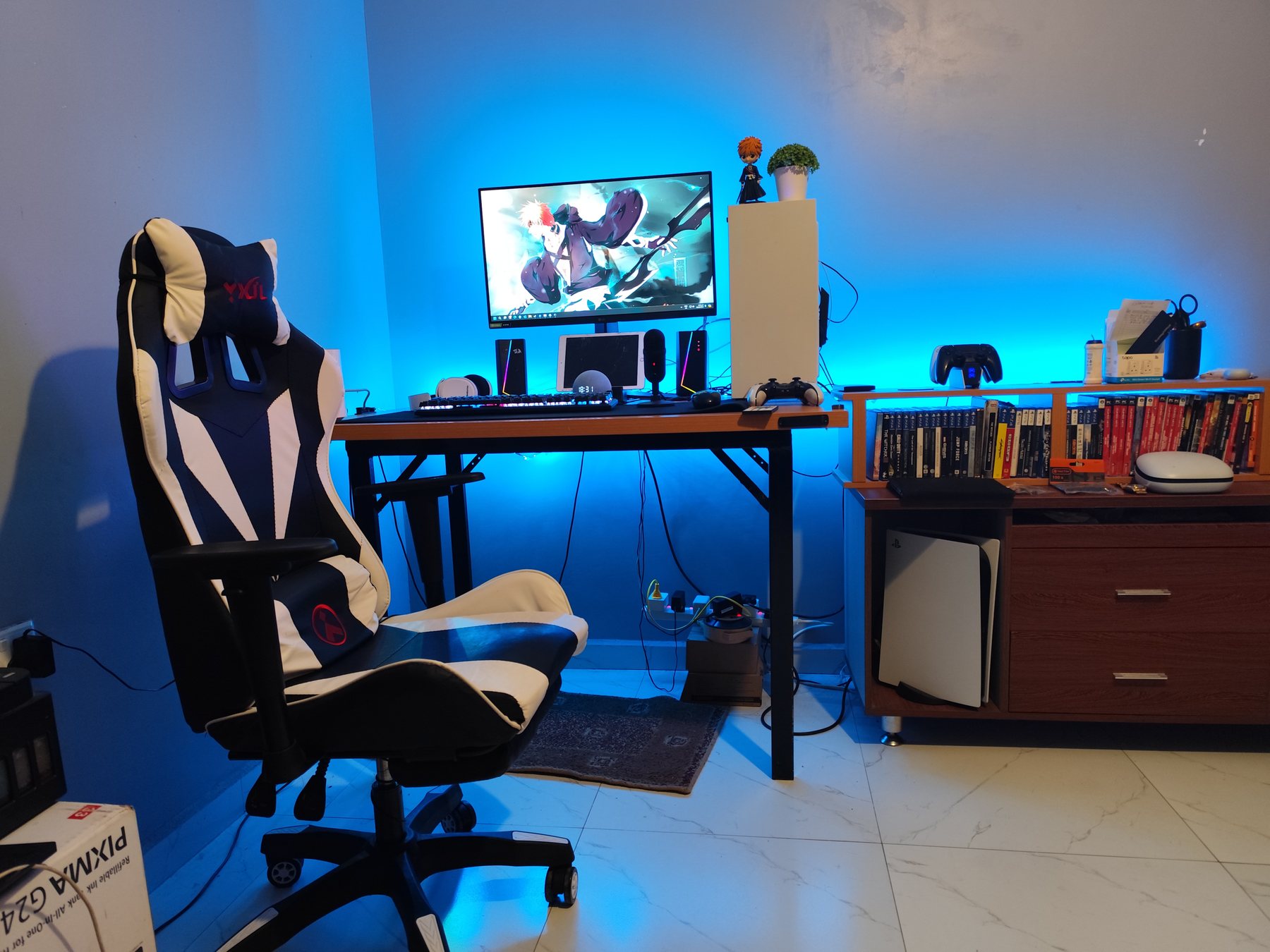
As competitive gaming grows in Zambia, one of the biggest conversations among players is not only about skill, but also about the setup behind the player. A good setup does not automatically make someone better, but a poor setup can hold back performance, cause frustration and make tournaments harder to manage.
For many local players, the choice is between console gaming and PC gaming. Consoles remain one of the easiest ways to enter competitive gaming because they are simpler to set up, easier to maintain and usually more predictable. PC gaming, on the other hand, gives players more flexibility, stronger upgrade paths, better control over graphics settings and access to a wider range of performance options.
For Lifeline Nexo, the goal is not to force every player into one platform. The goal is to help players understand their options and build reliable setups that allow them to compete fairly, communicate clearly and enjoy the game.
A strong gaming setup starts with the basics: stable internet, a responsive display, a comfortable controller or mouse and keyboard, enough storage, and a system that can run the game consistently. Players often focus only on graphics power, but competitive performance also depends on input delay, frame stability, audio clarity and network reliability.
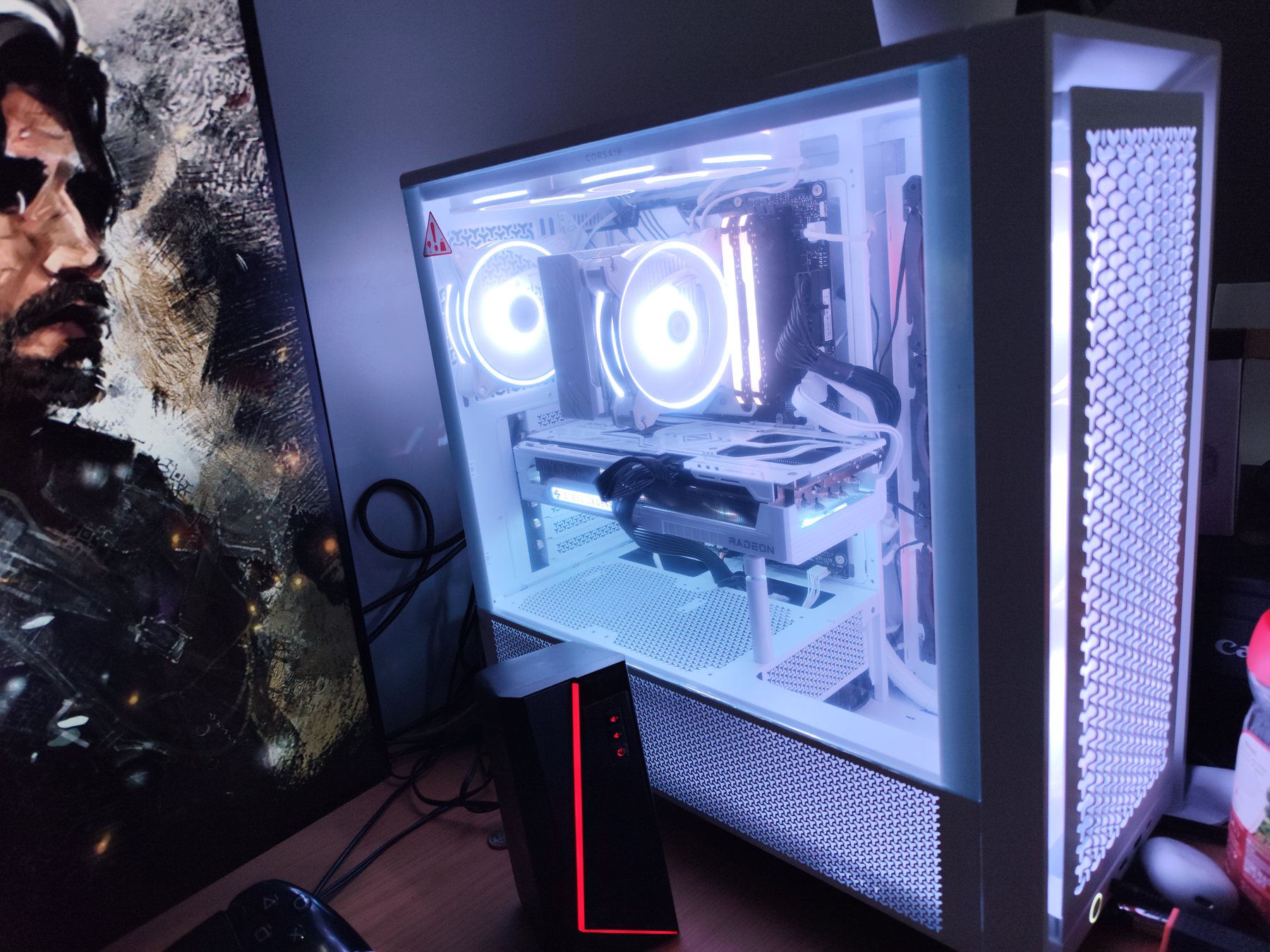
This is why future Lifeline Nexo content will continue to look at practical gaming topics such as PC upgrades, console setup tips, controller choices, monitor settings, game storage, internet stability and tournament preparation. These topics matter because they affect real match-day performance.
As the community grows, Lifeline Nexo wants to become more than a tournament organiser. The vision is to become a trusted hub where Zambian gamers can compete, learn, improve their setups and connect with other players who are serious about gaming.
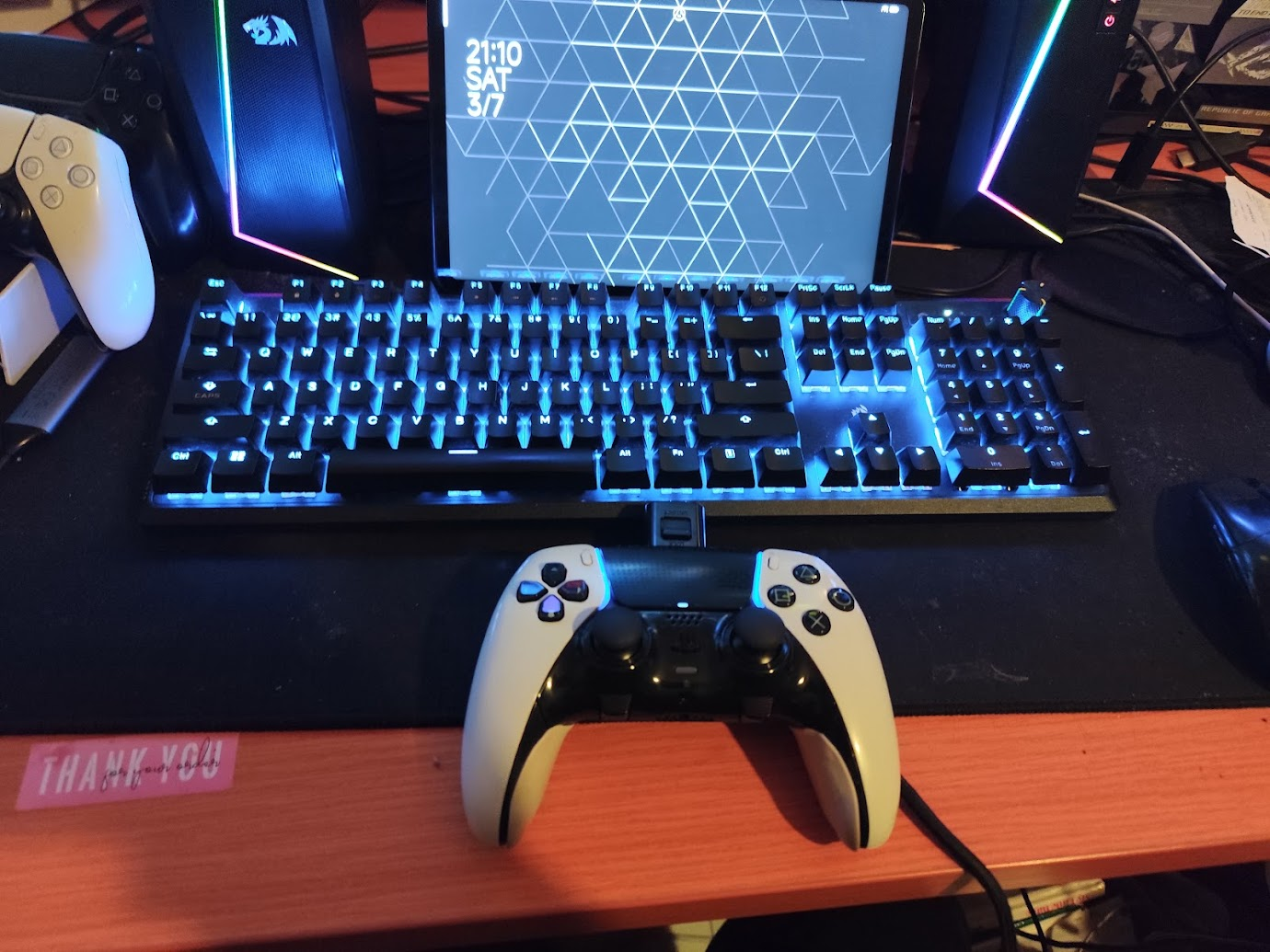
A tournament-ready setup does not need to be perfect or expensive, but it must be reliable. Before joining a Lifeline Nexo event, every player should make sure their system, internet, controller and communication tools are ready before match day.
Competitive games reward consistency. A setup that runs smoothly at stable settings is better than one that looks beautiful but stutters during fights. Before a tournament, reduce unnecessary graphics settings, close background apps and test the game under real match conditions.
For PC players, check that your graphics drivers are updated, the game is installed on reliable storage, and your system is not overheating. For console players, make sure the game is fully updated, storage space is available, and the console has proper ventilation.
A good monitor or TV can make a big difference. The most important things are low input delay, clear visibility and a refresh rate that matches what your system can handle. Bigger is not always better for competitive play. A clean, responsive screen is more useful than a large screen with delay.
Before tournament day, test your display settings. Turn on game mode if you are using a TV. Make sure your resolution and refresh rate are correctly set.
Input problems can ruin a match. If you use a controller, test for stick drift, weak battery life and button issues before the event. If your controller battery is unreliable, play wired or keep a charging cable nearby.
Mouse and keyboard players should check sensitivity settings, keybinds and mousepad space. Do not change your sensitivity or layout on tournament day unless absolutely necessary.
Internet stability matters more than raw speed. Use a wired connection where possible. If you are on Wi-Fi, stay close to the router and avoid downloads or streaming in the background.
Before the event, restart your router, test your ping and avoid making major network changes close to match time. If your connection has been unstable, inform the admins early rather than waiting until the lobby is ready.
For team-based events, communication can be the difference between a good team and a disorganised one. Test your headset, microphone and party chat before the tournament starts.
Keep your phone nearby for WhatsApp updates from the Lifeline Nexo community. Important notices such as lobby codes, rule updates, fixture changes and check-in reminders may be shared there.
Some tournaments may require screenshots or clips for score verification. Players should know how to take screenshots, record short clips and submit evidence when asked. Team captains should be responsible for making sure results are captured properly.
Most tournament problems happen because players prepare too late. Download updates early. Charge devices early. Test your game early. Read the rules early. Join the community early.
A prepared player helps the whole tournament run better.